Eden Backup
A downloadable tool for Windows
About this Tool:
Eden Backup is a lightweight, user-friendly backup manager.
Features
- Smart Incremental Backups - Eden only copies files that have actually changed, comparing modification times and file sizes to skip unchanged files.
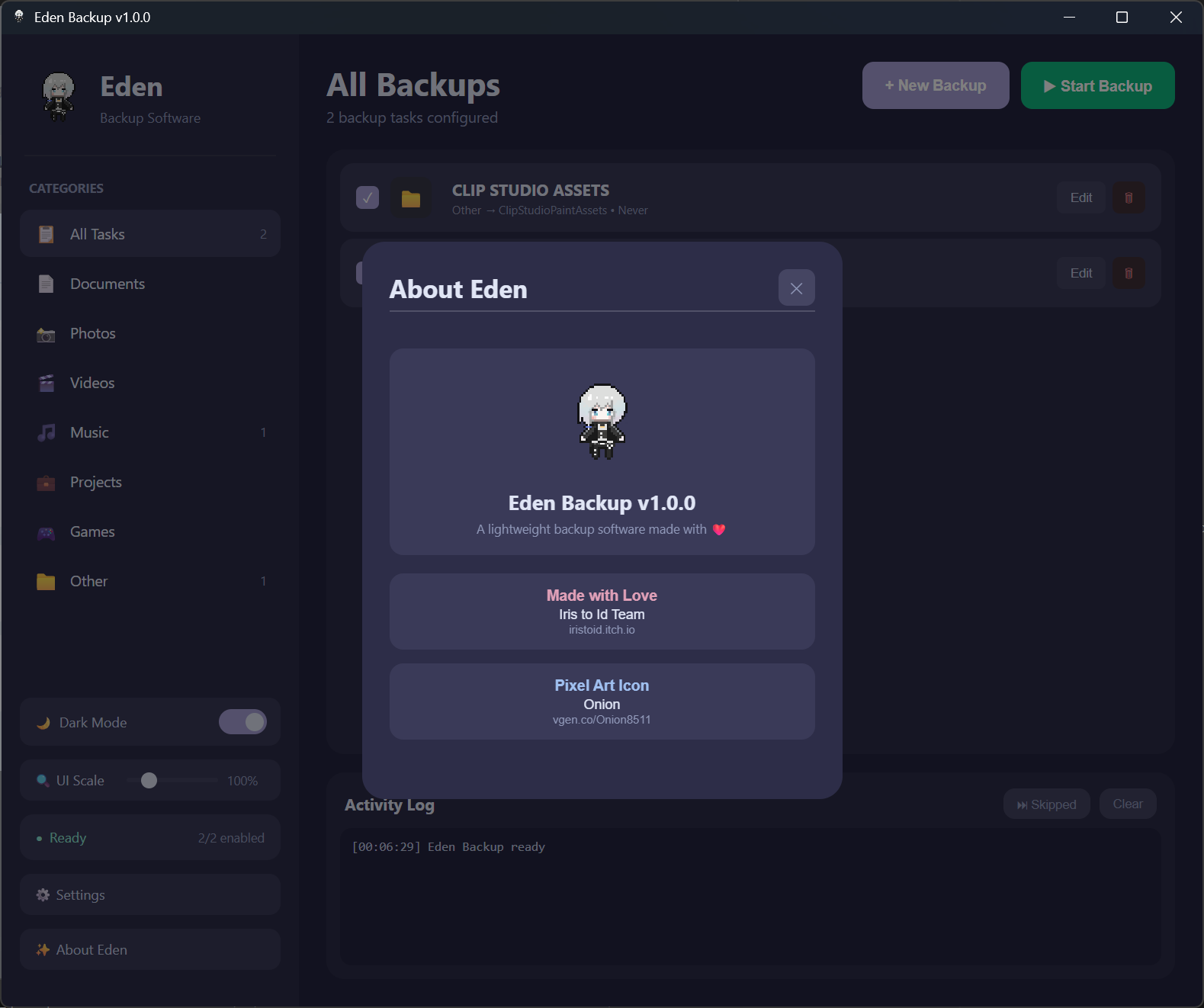
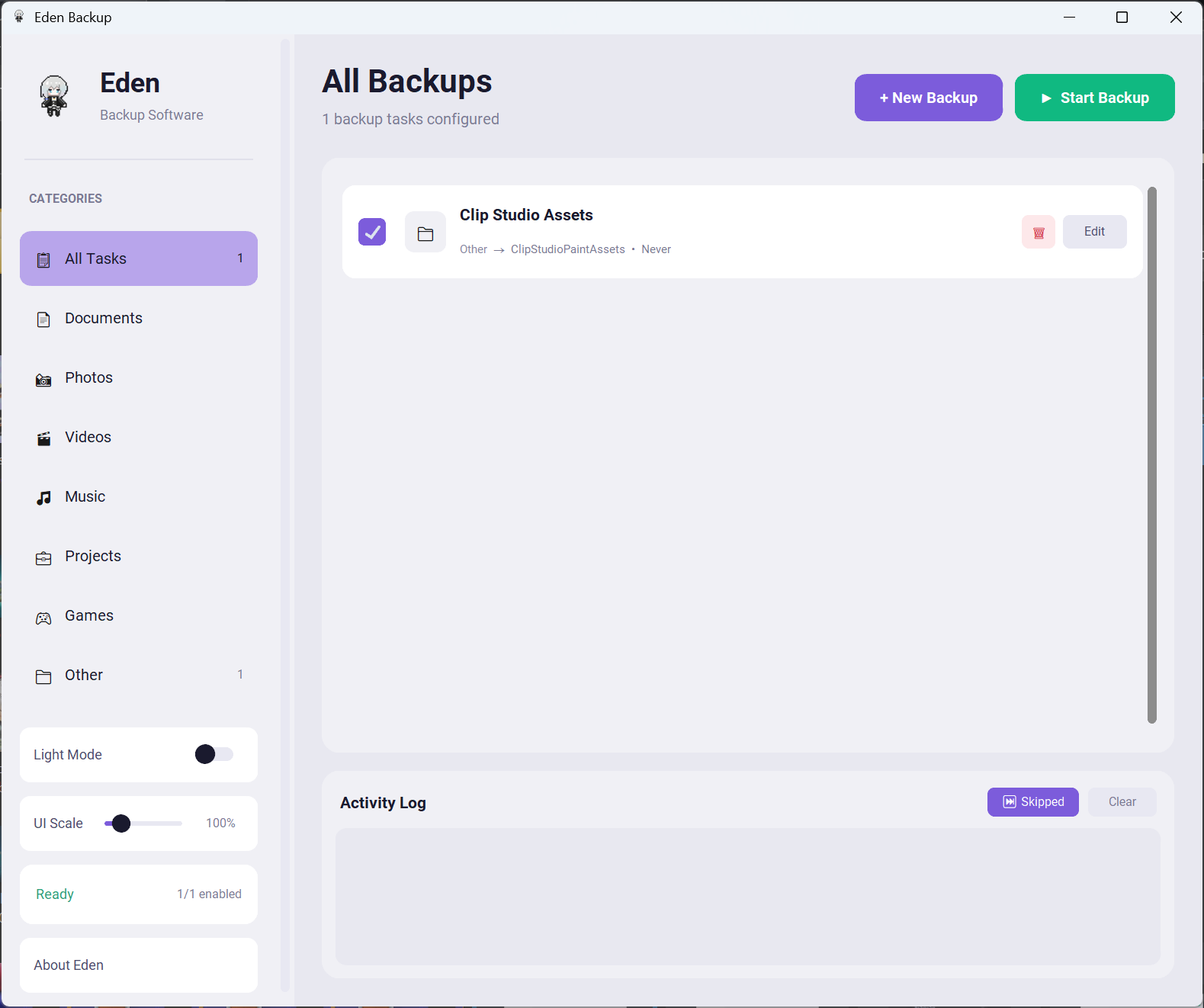
- Organized by Category - Sort your backup tasks into intuitive categories like📄 Documents, 📸 Photos, 🎬 Videos, 🎵 Music, 💼 Projects, 🎮 Games, and 📁 Other.
- Dark & Light Themes
- Flexible UI Scaling
- Real-Time Progress & Logging - See exactly what's being copied, skipped, or if any errors occur.
- Persistent Configuration - Your backup tasks are automatically saved and restored between sessions.
⚠️ Antivirus Notice
Eden Backup is built with Python and packaged as a standalone executable. Some antivirus software may flag it as suspicious. This is a false positive common with Python-compiled applications. Just in case, we recreated the software in JS/Tauri to avoid this issue. Hopefully...
How to Use
Adding a Backup Task
- Click the + Add Backup button.
- Select your source (the folder or file you want to back up).
- Select your destination (where you want the backup saved).
- Choose a category to help organize your tasks.
- Save the task.
Running Backups
- Click ▶ Start Backup to begin backing up all enabled tasks.
- Watch the progress bar and log to see what's happening.
- Click ⏹ Stop if you need to cancel mid-backup.
Managing Tasks
- Click on a task to edit its settings.
- Toggle tasks on/off to include or exclude them from backups.
- Delete tasks you no longer need.
Settings
- Theme: Switch between dark and light mode (app will restart).
- UI Scale: Adjust the interface size from 75% to 200%
- Show Skipped: Toggle whether the log shows files that were skipped during incremental backups.
- Your tasks and settings are saved automatically in eden_config.json.
Download
Click download now to get access to the following files: